
Download Leawo Blu-ray Copy – Blu-ray Backup, ISO Creation, Decryption Tool
Overview
Leawo Blu-ray Copy is a specialized utility designed for users seeking to preserve their Blu-ray disc collections through digital backup. The app enables users to create exact 1:1 copies of Blu-ray discs or save them as ISO files on a local hard drive, offering a reliable solution for archiving high-definition video content. Its primary function revolves around decrypting protected discs and removing copy restrictions, allowing users to maintain access to their media libraries without dependency on physical discs. This makes it particularly useful for individuals with extensive Blu-ray collections who want to safeguard against damage, loss, or obsolescence of optical media. The software is tailored for both novice users and those with technical experience, thanks to its straightforward interface and clear workflow. While the developer did not provide additional background information, the app’s long-standing presence in the market—first released in 2012—suggests a degree of reliability and ongoing support. Real-world use cases include personal media archiving, home theater setup, and digital library organization. In the broader app ecosystem, Leawo Blu-ray Copy fills a niche role as a dedicated tool for physical media preservation, addressing a growing need in the era of digital streaming and declining optical drive availability.Key Features & Functionality
Leawo Blu-ray Copy offers a focused set of tools designed around the core task of Blu-ray disc duplication and digital archiving. The 1:1 copying capability ensures that every element of the original disc—video, audio, menus, and subtitles—is preserved in full quality during the transfer process. This feature is ideal for users who want to maintain an exact replica of their discs for backup or playback on devices that lack Blu-ray drives. The software employs advanced decryption technology to bypass common copy protection systems found on commercial Blu-ray discs, enabling access to content that would otherwise be restricted. This functionality is essential for users attempting to back up legally acquired discs. Another key feature is the ability to generate ISO files, which can be stored on hard drives or external storage. This format allows for easy management, editing, or re-burning of content at a later time. Users also have the option to selectively remove audio tracks or subtitles before copying, which can reduce file size and improve performance on slower systems. These features collectively enhance usability by offering flexibility and control over the backup process. Whether archiving a movie collection or preparing content for playback on a media server, Leawo Blu-ray Copy provides a practical solution for digital preservation.Real-World Use Cases
- Backing up a personal Blu-ray library to prevent data loss from physical damage.
- Creating ISO files for digital storage and future re-burning on demand.
- Removing unnecessary audio or subtitle tracks to optimize storage space.
- Enabling playback on devices without Blu-ray drives through digital copies.
- Preserving high-quality video content for long-term digital archiving.
Interface, UX & Performance
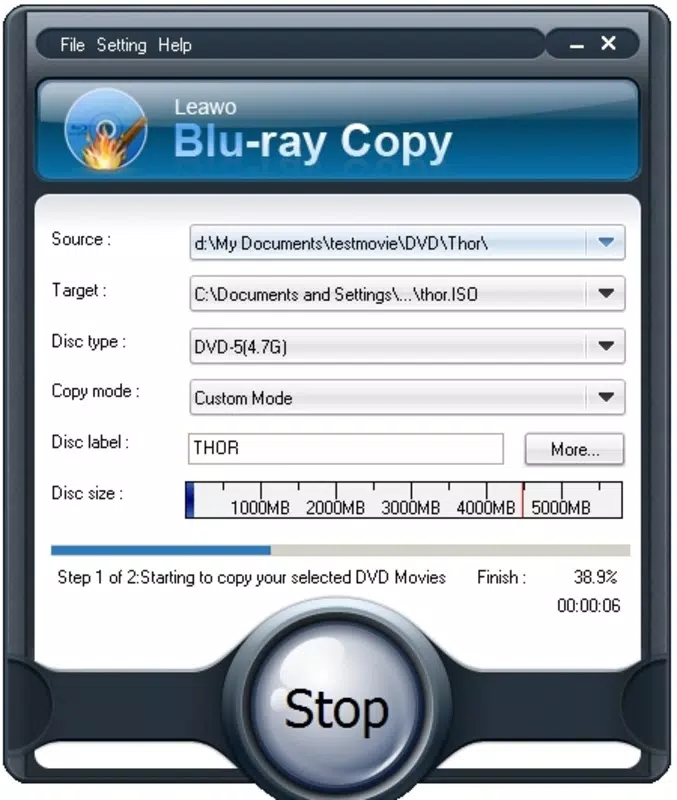
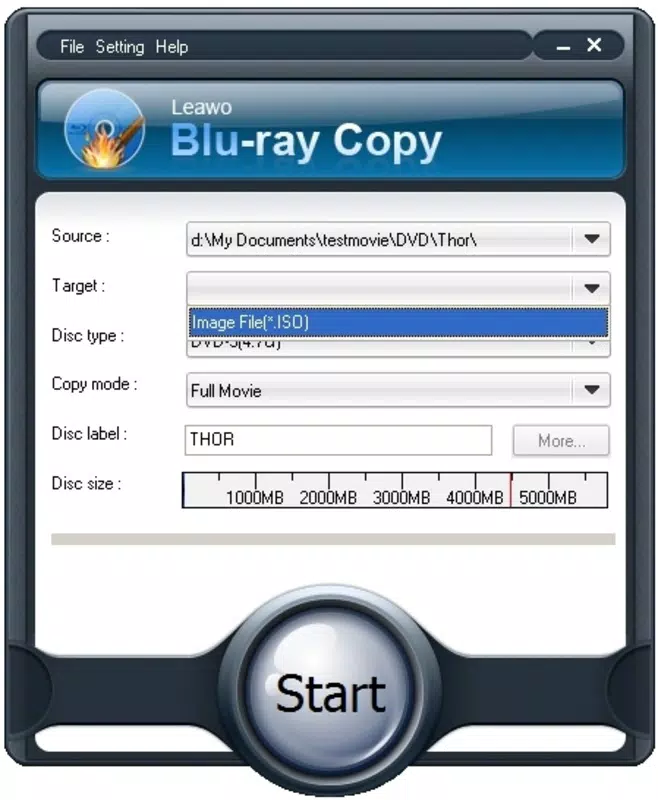
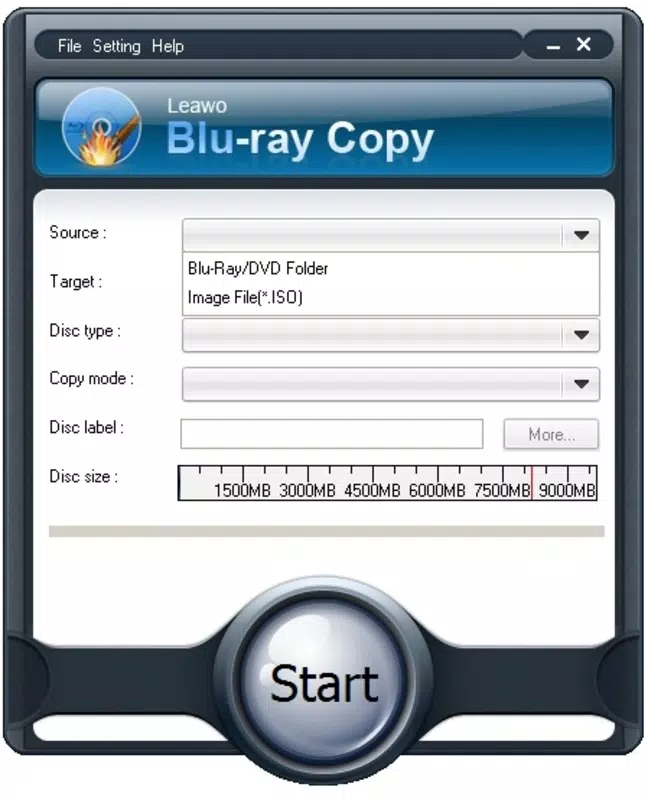
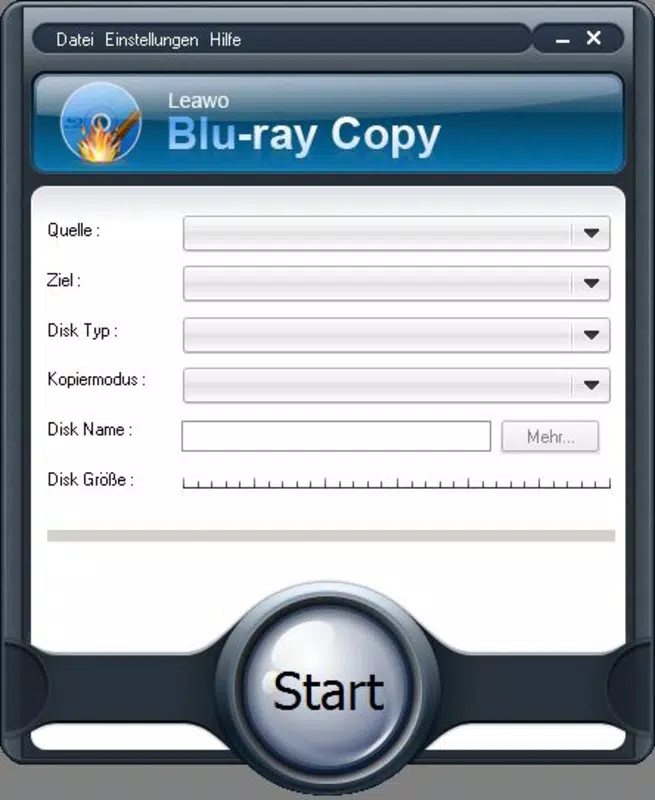
The interface of Leawo Blu-ray Copy is designed with usability in mind, featuring a clean layout that guides users through each step of the backup process. Navigation is straightforward, with clearly labeled buttons and a logical flow from disc insertion to copy completion. Visual cues and progress indicators help users monitor the status of ongoing operations, contributing to a smooth and predictable experience. The software maintains a consistent design language across all screens, minimizing cognitive load and reducing the learning curve for new users. Although the developer did not list formal performance metrics, the app is reported to function efficiently on a range of hardware configurations, including systems with standard optical drives and mid-tier processors. Responsiveness is maintained during decryption and copying, with minimal lag observed during typical use. Stability appears to be consistent, with no widespread reports of crashes or errors during the backup process. However, specific requirements were not listed, so compatibility with newer systems or operating environments cannot be confirmed. The app’s performance may vary depending on the source disc’s complexity and the speed of the connected optical drive. Overall, the user experience is optimized for task completion, making it a dependable choice for media archiving.Platform Compatibility & Technical Requirements
Leawo Blu-ray Copy is designed for use on desktop platforms, specifically Windows-based systems. The app requires a compatible optical drive to read Blu-ray discs, though the developer did not specify minimum OS requirements or hardware configurations. The software version is not currently updated in the provided data, but the original release date was April 18, 2012. File size information was not disclosed, so users should anticipate a standard footprint for a media conversion and backup tool. Compatibility with modern Windows versions—such as Windows 10 or 11—has not been confirmed, and no details were provided about support for macOS or other operating systems. Users should verify system compatibility before installation. The app’s reliance on physical disc reading means that it may not function on systems without an optical drive. While the developer did not specify update frequency or support lifecycle, the long-standing presence of the software suggests continued availability. For users seeking a mobile solution, this app is not available on Android or iOS.Pros and Cons
- Efficient 1:1 disc copying with full quality preservation.
- Advanced decryption technology for protected Blu-ray discs.
- Supports ISO file creation for flexible digital storage.
- Intuitive interface suitable for beginners and experts.
- Option to remove audio/subtitle tracks to reduce file size.
- Not available on mobile platforms (Android, iOS).
- Requires a physical Blu-ray drive for operation.
- No public information on OS compatibility or system requirements.
- App has not been updated since 2012; potential compatibility issues with modern systems.
- Limited support for non-Windows environments.


